All Images
Part I: Introduction to Julia
Introduction
Figure 1

Figure 2

Using the REPL
The Julia Type System
Figure 1
This way the types form a tree with abstract types on the nodes and
concrete types as leaves. Have a look at this visualization of all
subtypes of Number: 
Using the Package Manager
Part II: Programming in Julia
Write functions!
Interfaces & conditionals
Loops
Figure 1
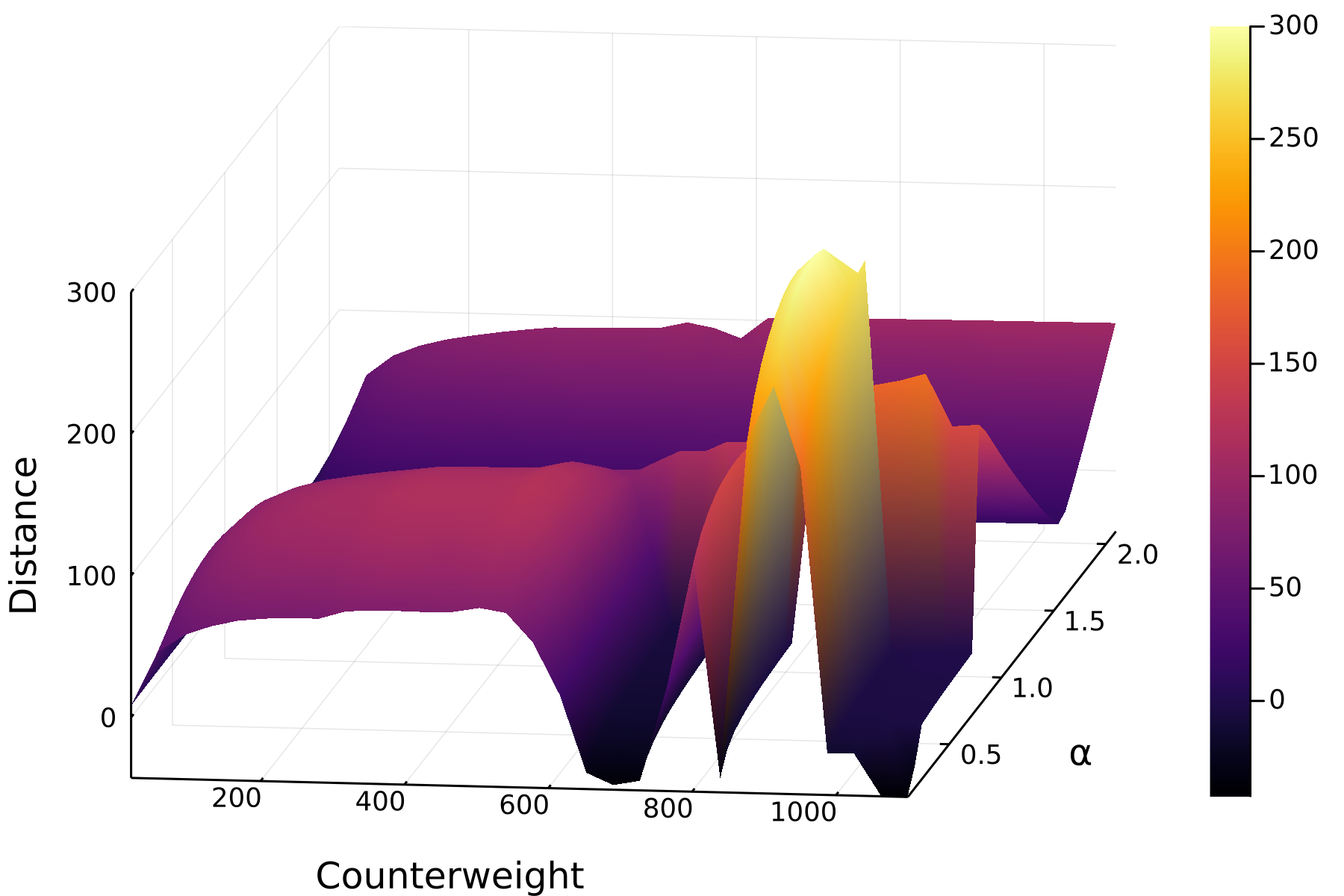
This is a highly non-linear system and thus very sensitive. The
distances across different values for the counterweight and the release
angle α look like this: